MCP Connector
The connector uses the Model Context Protocol (MCP), an open standard that most AI tools support. Add https://app.dalus.io/api/mcp as a custom connector in your client and sign in with your Dalus account. After that the assistant can answer questions about your model, pull requirements into a document, or make edits for you.
Your access through the connector is the same as in the app: you can only see models your team membership allows, and writes to a protected main branch are refused. The connection guide has step-by-step setup for Claude, Claude Code, and ChatGPT. The connector requires a paid plan.
Every application you connect is listed on your Account page in Dalus, and you can revoke its access there at any time. Each sign-in also goes through a consent screen that shows which app is asking for access and what it will be able to do.
Workflow Library
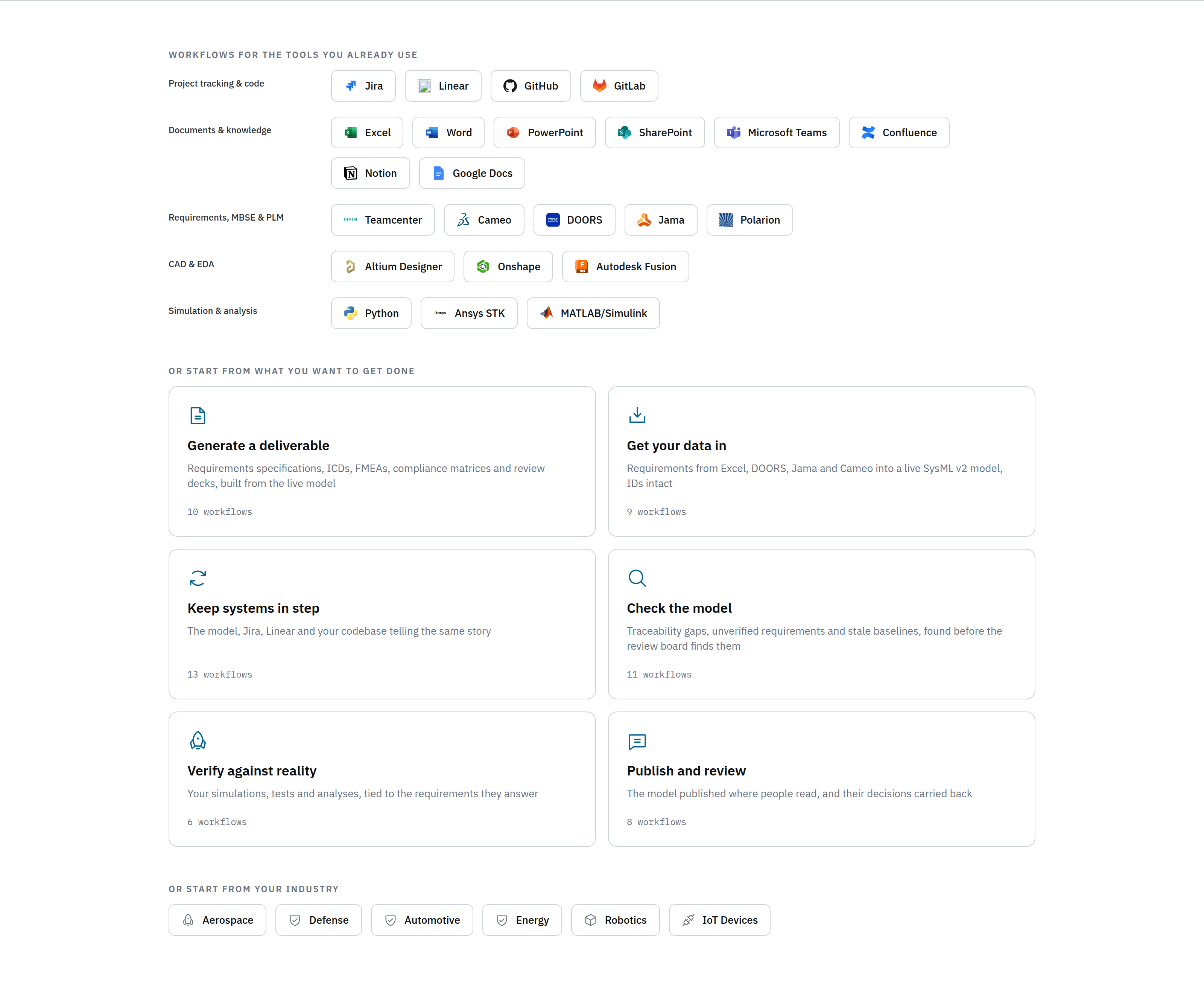
The workflow library has over 100 MBSE workflows that run through the connector, organized by the tool you use them from: requirement audits, FMEAs, coverage reports, impact analyses, document generation. It is a good place to start if you are not sure what to use the connector for.